Skip to content
Reelomo
Create

Create

  • Text to Image
  • Image to Image
  • SVG Generator
  • Product Photography

Edit

  • Remove Background
  • Erase Objects
  • Image Upscaler
  • Local Mask Editor
  • Layer Separation
  • All image tools

Styles & Effects

  • Image Styles
  • Image Effects
  • Style Reference
  • Photo Restoration

Create

  • Image to Video
  • Text to Video
  • Product Video
  • Video Templates
  • Video Effects
  • Product Ads

Edit

  • Video Editor
  • Video Upscaler
  • Video Extender
  • Lip Sync Preview
  • All video tools

Video Models

  • Kling 3.0 Standard
  • Seedance 2.0
  • Veo 3.1 Lite
  • All video models

Image Tools

  • Remove Background
  • Erase Objects
  • Image Upscaler
  • All image tools

Video Tools

  • Video Editor
  • Video Upscaler
  • Video to GIF
  • All video tools

Explore Tools

  • Photo Utilities
  • Audio Tools
  • 3D Tools
  • Workflow Tools
  • All tools

Image Models

  • GPT Image 2
  • Nano Banana 2.1
  • Seedream 5.5
  • Seedream 5.0 Flash
  • All image models

Video Models

  • Kling 3.0 Standard
  • Seedance 2.0
  • Veo 3.1 Lite
  • MiniMax H3
  • KKling 4.0Catalog only
  • All video models
Pricing
Help
Reelomo
Sign in
Create
  • Text to Image
  • Image to Image
  • All image tools
  • Image to Video
  • Text to Video
  • All video tools
  • All image tools
  • All video tools
  • All tools
  • All image models
  • All video models
  • All models
Pricing
Sign in Help

Product Video

Turn one product photo into a short showcase for listings or social.

Source image
0/800
AI generation is currently unavailable. You can prepare a draft or play a sample.
Aspect ratio
Compare models for this workflow

Silent MP4

Sample preview9:16 / 720p sample

From product photo to short clip

Three prepared examples show the original framing and a sample MP4.
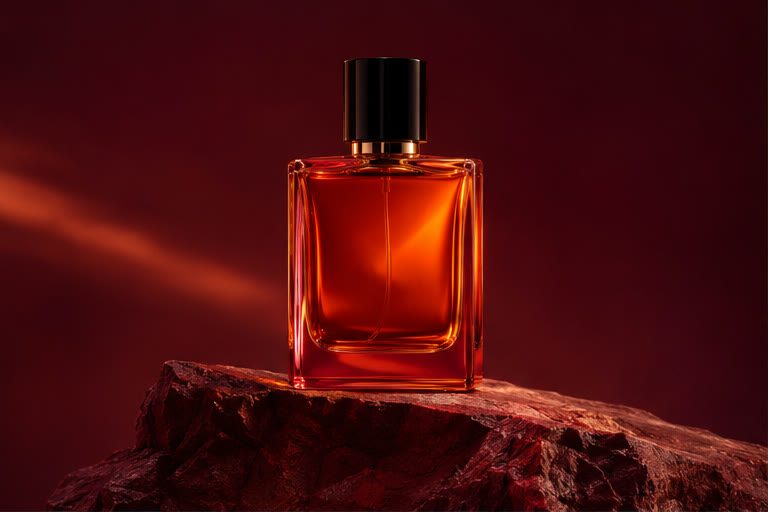
perfume

Original perfume photo
Source photo
Sample clip
Use template

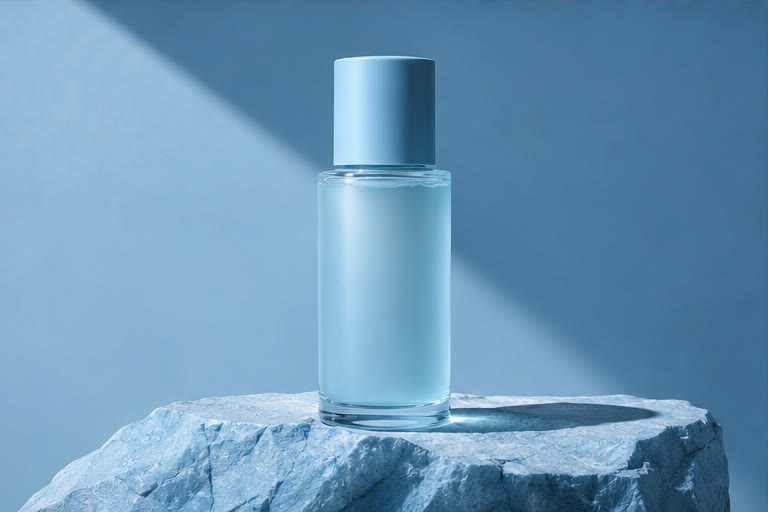
skincare

Original skincare photo
Source photo
Sample clip
Use template

headphones

Original headphones photo
Source photo
Sample clip
Use template

Frequently asked questions

How do I start a product video?

Upload a product photo or start from a video template. Replace the sample with your own photo and adapt the camera move and prompt to the product.

How can I keep the product recognizable?

Use a sharp reference with the packaging facing the camera. Ask for one simple camera move, then check the generated clip for changes to the shape, logo, and label before publishing.

What framing works for social and product listings?

Use vertical framing for short-form feeds and landscape when the placement calls for it. The available ratios and durations depend on the model you choose.

Can I try Reelomo for free?

You can play and download prepared samples, browse prompts, and use browser photo utilities without buying credits. To generate with a cloud model, sign in and review the credit cost shown before you submit.

Where can I find and download my results?

Open My Videos with the account you used to generate the result. Open a completed task to preview, download, or reuse its settings. Browser tools offer the download in the tool itself.

Reelomo
HelpInspirationSupportPrivacyTermsRefund Policy