Creation Tools
Create and edit images and video, prepare audio, and inspect 3D files.
Video
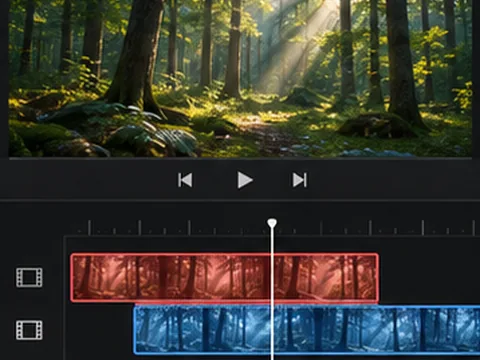
- Video Project Editor
Arrange and trim two clips, add a title, and export one video.
Browser processingIllustrative preview
- Video Relight
Adjust exposure, light direction and warmth, then export the clip.
Browser processingIllustrative preview
- Motion Transfer Preview
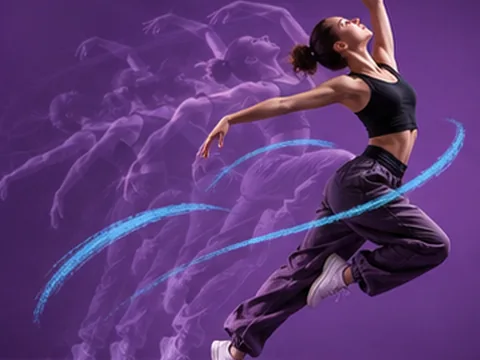
Track a bright or dark subject in a reference clip and apply its movement to a picture.
Simulated previewIllustrative preview
- Lip Sync Preview
Animate a sample character with the volume of your audio and export a clip.
Simulated previewIllustrative preview
- Video to GIF
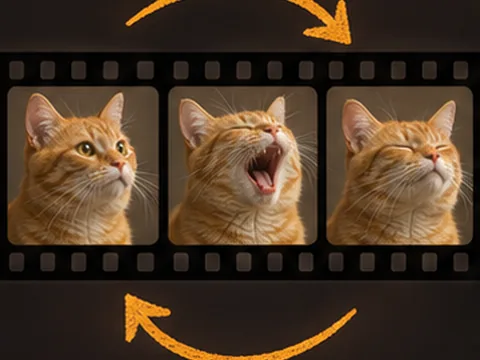
Turn up to six seconds of a clip into a looping GIF.
Browser processingIllustrative preview
- Video Frame Extractor
Save an exact moment from a video as a PNG.
Browser processingIllustrative preview
- Image to Video
Animate a photo and export a short MP4.
Cloud model · Sample only - Text to Video
Turn a written prompt into a short video.
Cloud model · Sample only - Product Video
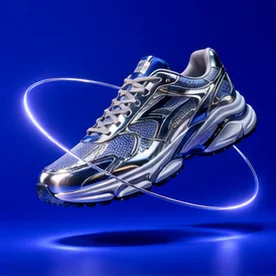
Choose a camera move for a product photo.
Cloud model · Sample only - AI Video Editor
Describe changes to the lighting, scene or appearance of an existing clip.
Cloud model · Sample onlyIllustrative preview
- AI Video Upscaler
Enhance the detail of a short MP4 and export a 2K version.
Cloud model · Sample onlyIllustrative preview
- AI Video Extender
Continue a clip with new motion guided by your prompt.
Cloud model · Sample onlyIllustrative preview
- Video Templates
Open a product shot with a preset photo, prompt and camera move.
Template & sample






AI Image
- Design Studio
Lay out a poster or social graphic with a photo, headline and color palette.
Browser processingIllustrative preview
- Product Mockup
Place your artwork on a packaging, device or print mockup.
Browser processingIllustrative preview
- Icon Generator
Customize an editable symbol and export it for your app or site.
Browser processingIllustrative preview
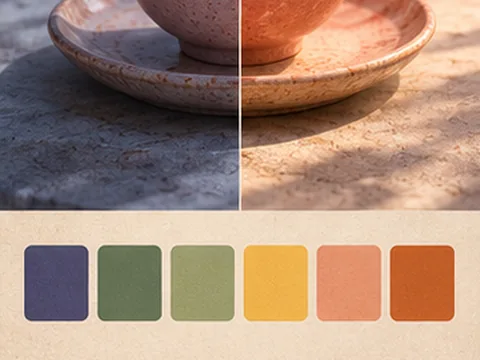
- Style Reference
Extract a color palette from a reference and apply it to a second image.
Browser processingIllustrative preview
- Image Watermark Remover
Select a mark and reconstruct the area from its surrounding pixels.
Browser processingIllustrative preview
- Realtime Drawing
Draw on a canvas and watch a styled preview update with each stroke.
Browser processingIllustrative preview
- Character Consistency Preview
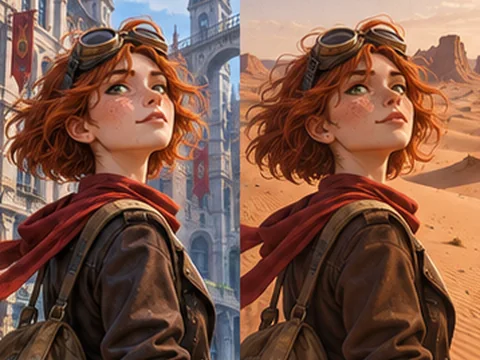
Keep a reference portrait or illustrated character consistent across two scenes.
Simulated previewIllustrative preview
- Layer Separation
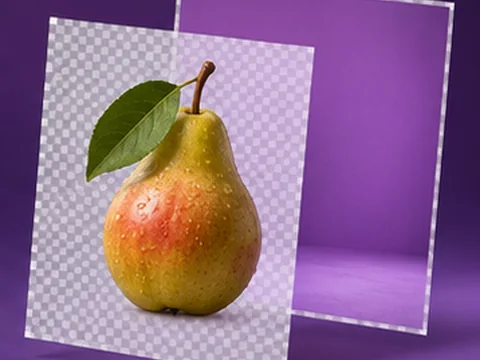
Mark a subject and export it and the remaining image as separate transparent layers.
Browser processingIllustrative preview
- Local Mask Editor
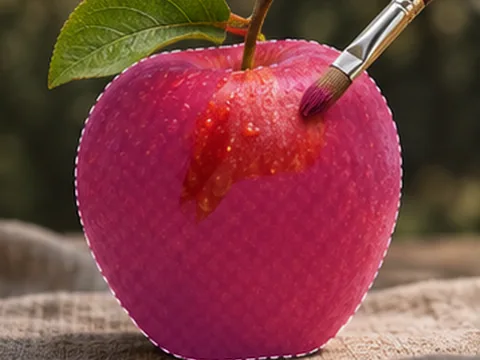
Paint or select a region and apply a color adjustment only inside it.
Browser processingIllustrative preview
- Replace Image Text
Select existing lettering, cover it with a matching solid color, and add new text.
Browser processingIllustrative preview
- SVG Generator
Convert an image into a limited-color SVG made of editable paths.
Browser processingIllustrative preview
- AI Product Photography
Stage a product in a studio scene while preserving the original packaging.
Cloud model · AvailableIllustrative preview
- AI Clothes Changer
Describe a new outfit for the person in your reference.
Cloud model · AvailableIllustrative preview
- Matching Group Outfits
Give the people in a group photo a coordinated wardrobe.
Cloud model · AvailableIllustrative preview
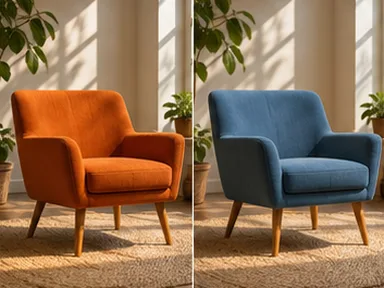
- AI Room Design
Restyle a room while keeping its layout and architecture.
Cloud model · AvailableIllustrative preview
- Remove Background People
Keep the foreground subject and reconstruct the area behind it.
Cloud model · AvailableIllustrative preview
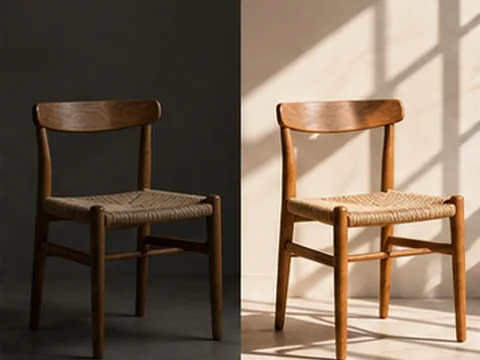
- AI Relight
Describe new light direction and mood for a reference photo.
Cloud model · AvailableIllustrative preview
- Change Camera Angle
Use a reference photo and describe a new point of view.
Cloud model · AvailableIllustrative preview
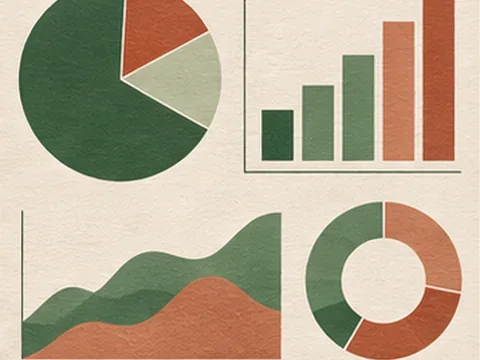
- AI Infographics
Turn a supplied outline and data into a readable infographic.
Cloud model · AvailableIllustrative preview
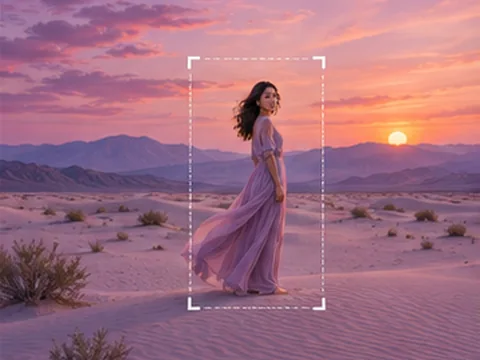
- AI Image Expand
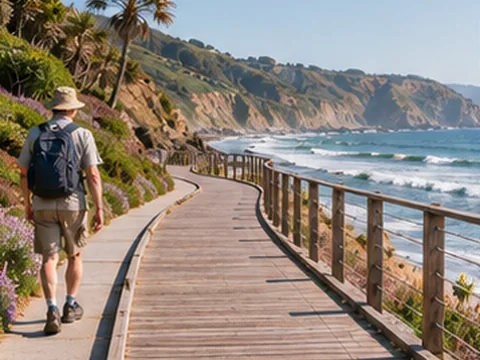
Extend a reference scene beyond its original edges.
Cloud model · AvailableIllustrative preview
- Text to Image
Generate an image from a written prompt.
Cloud model · AvailableIllustrative preview
- Image to Image
Edit an image with a reference photo and instructions.
Cloud model · AvailableIllustrative preview
- Remove Image Background
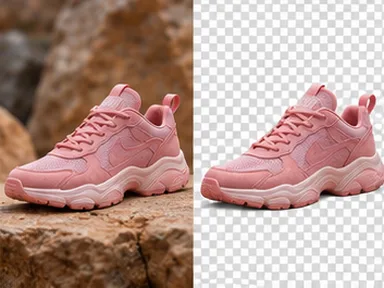
Isolate the foreground and export a PNG with a transparent background.
Cloud model · AvailableIllustrative preview
- AI Object Remover
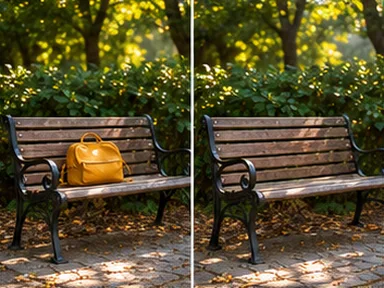
Describe an object and where it appears so the model can remove it.
Cloud model · Sample onlyIllustrative preview
- AI Photo Restoration
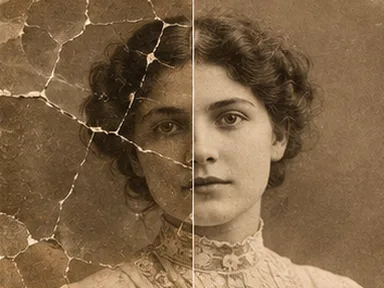
Repair scratches, faded tones and noise while preserving the original subjects.
Cloud model · Sample onlyIllustrative preview
- AI Image Upscaler
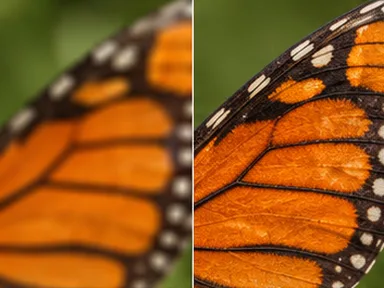
Double image dimensions with AI super-resolution.
Cloud model · AvailableIllustrative preview








Audio
- Sound Effect Generator
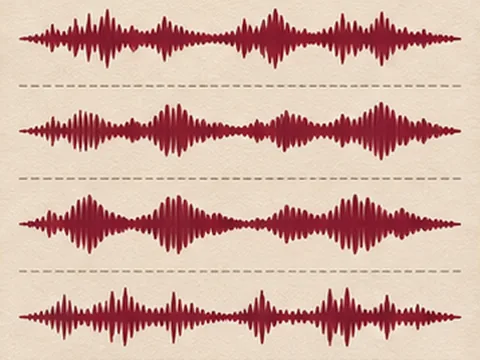
Design a whoosh, impact, chime or rain effect and export a WAV.
Browser processingIllustrative preview
- Voiceover Preview
Choose a sample script, voice and speed, then listen and export a WAV.
Simulated previewIllustrative preview
- Music Generator
Build a short instrumental bed from a mood, tempo and duration.
Browser processingIllustrative preview
- Audio Trimmer
Choose a start and end time and export the selected audio as WAV.
Browser processingIllustrative preview
- Audio Normalizer
Set a target peak level and export the adjusted audio as WAV.
Browser processingIllustrative preview
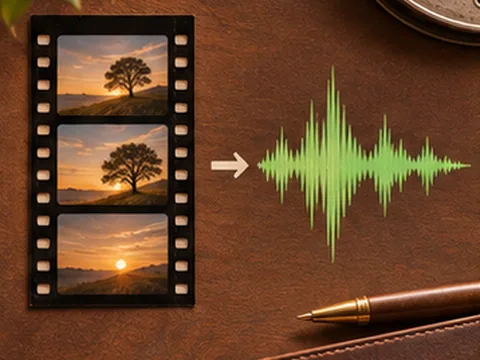
- Extract Audio from Video
Save the sound from a supported MP4 or WebM as WAV.
Browser processingIllustrative preview




3D
- 3D Scene Builder
Arrange a product, plinth and backdrop in a 3D scene and export a GLB.
Browser processingIllustrative preview
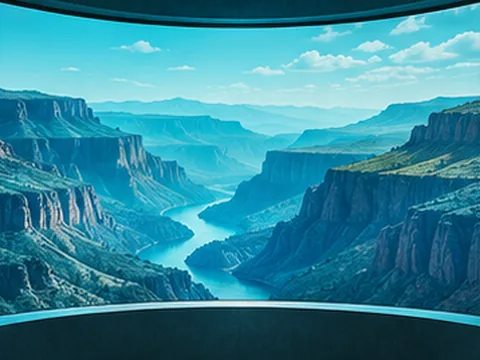
- 360° Panorama Preview
Look around a panoramic image and save the view you frame.
Browser processingIllustrative preview
- 3D Generator Preview
Customize a sample mesh, orbit it in 3D and export a GLB.
Simulated previewIllustrative preview
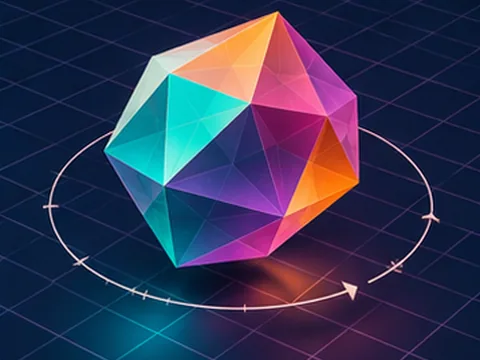
- 3D Model Viewer
Orbit a GLB model and export a PNG from the current view.
Browser processingIllustrative preview


Workflows
- LoRA Training Preview
Validate reference images and rehearse a training run before exporting its configuration.
Simulated previewIllustrative preview
- Creative Agents
Run a sample brief through planning, image preparation and review.
Simulated previewIllustrative preview
- Mini App Builder
Configure an image utility and export a standalone web app.
Browser processingIllustrative preview
- Figma Plugin Workbench
Preview a color palette and export development files for a Figma plugin.
Browser processingIllustrative preview
- API Playground
Send sample requests and inspect Reelomo’s simulated job responses.
Simulated previewIllustrative preview
- MCP Playground
Inspect a simulated tool call and export a runnable local MCP server.
Simulated previewIllustrative preview
- Brand Kit
Keep a logo, palette and type choices together and export a brand sheet.
Browser processingIllustrative preview
- Moodboard
Arrange reference images with a title and notes on a downloadable board.
Browser processingIllustrative preview
- Node Workflow
Connect image operations, preview each node and export the result and graph.
Browser processingIllustrative preview
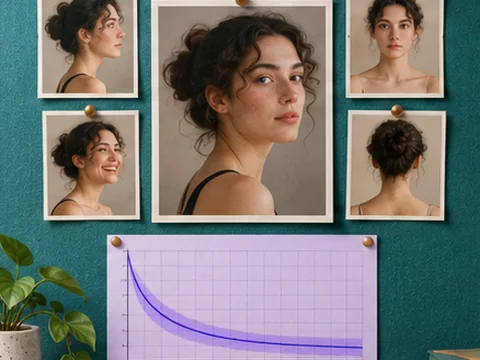
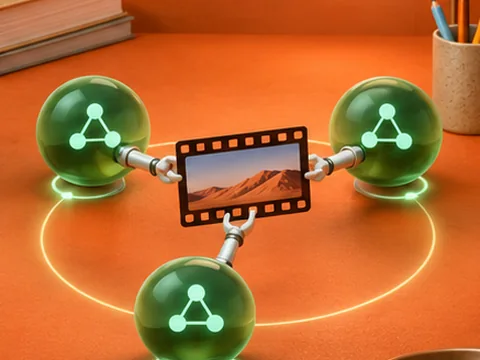
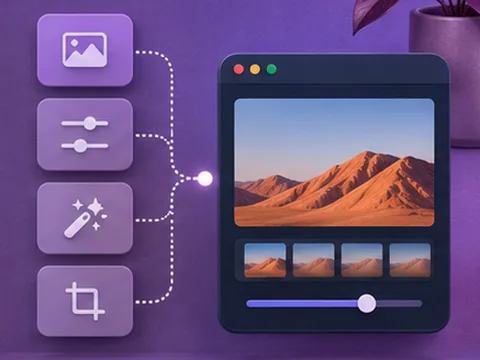
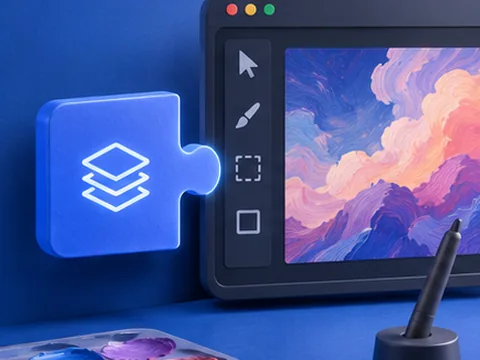




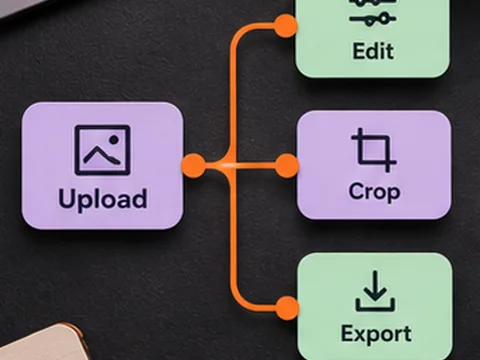
Photo utilities
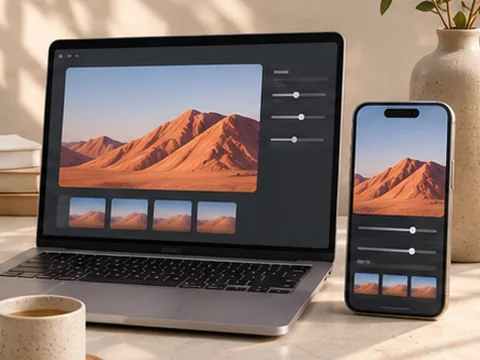
- Mobile & Desktop Editor
Adjust a photo with touch or desktop controls and export it for your format.
Browser processingIllustrative preview
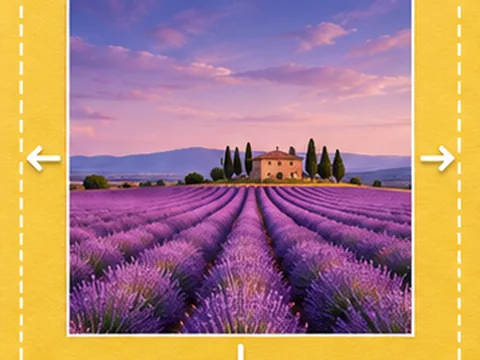
- Extend Image Canvas
Add transparent or solid space around an image for a new layout.
Browser processingIllustrative preview
- Add Text to Image
Place a caption on a photo and export the finished artwork.
Browser processingIllustrative preview
- Blur Part of an Image
Select an area of a photo and blur faces or sensitive details.
Browser processingIllustrative preview
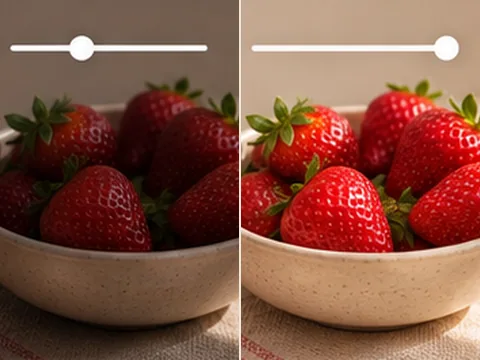
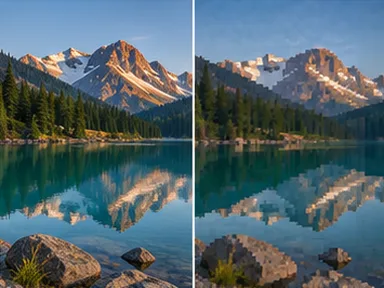
- Adjust Image Lighting
Adjust brightness and contrast before exporting a photo.
Browser processingIllustrative preview
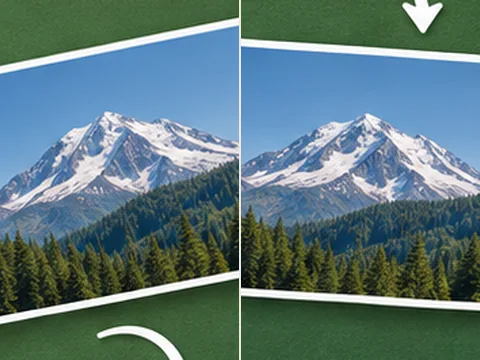
- Rotate Image
Turn a photo 90°, 180° or 270° and download it.
Browser processingIllustrative preview
- Flip Image
Mirror a photo horizontally or vertically.
Browser processingIllustrative preview
- Change Background Color
Add a solid background to a transparent image.
Browser processingIllustrative preview
- Image Resizer
Change image dimensions while keeping the original proportions.
Browser processingIllustrative preview
- Image Converter
Convert a JPG, PNG or WebP photo to a different format.
Browser processingIllustrative preview
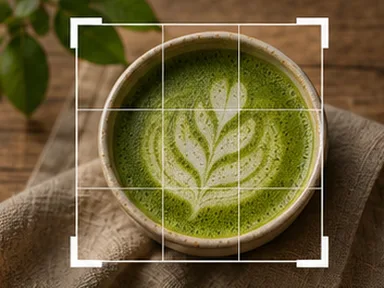
- Image Cropper
Crop an image for a square, portrait or landscape layout.
Browser processingIllustrative preview
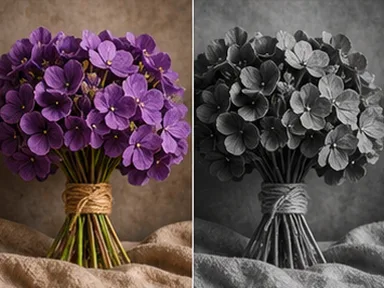
- Image Effects
Export a photo in black and white, sepia or high contrast.
Browser processingIllustrative preview
- Image Compressor
Choose the balance between image quality and download size.
Browser processingIllustrative preview