Creation Tools
Create and edit images and video, prepare audio, and inspect 3D files.
AI Image
- Design Studio
Lay out a poster or social graphic with a photo, headline and color palette.
Browser processingIllustrative preview
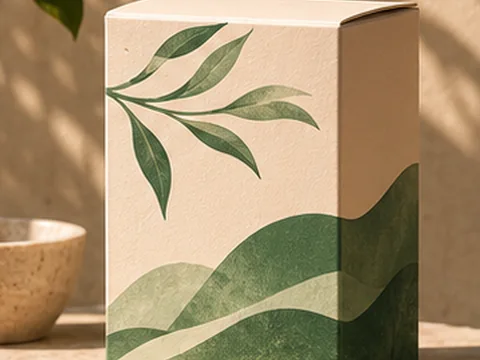
- Product Mockup
Place your artwork on a packaging, device or print mockup.
Browser processingIllustrative preview
- Icon Generator
Customize an editable symbol and export it for your app or site.
Browser processingIllustrative preview
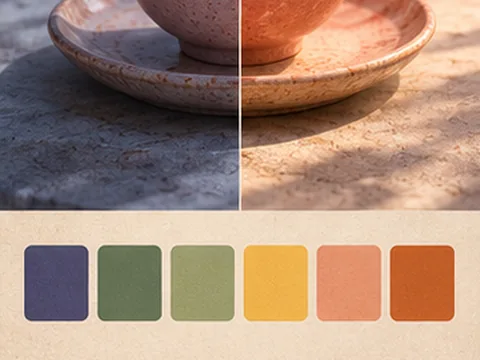
- Style Reference
Extract a color palette from a reference and apply it to a second image.
Browser processingIllustrative preview
- Image Watermark Remover
Select a mark and reconstruct the area from its surrounding pixels.
Browser processingIllustrative preview
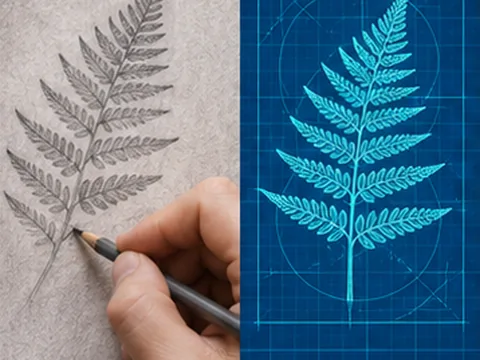
- Realtime Drawing
Draw on a canvas and watch a styled preview update with each stroke.
Browser processingIllustrative preview
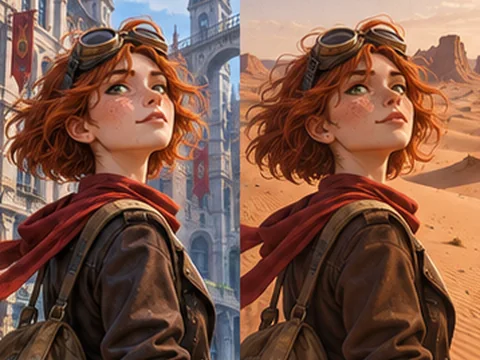
- Character Consistency Preview
Keep a reference portrait or illustrated character consistent across two scenes.
Simulated previewIllustrative preview
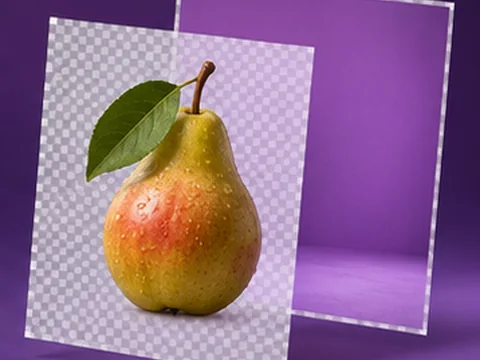
- Layer Separation
Mark a subject and export it and the remaining image as separate transparent layers.
Browser processingIllustrative preview
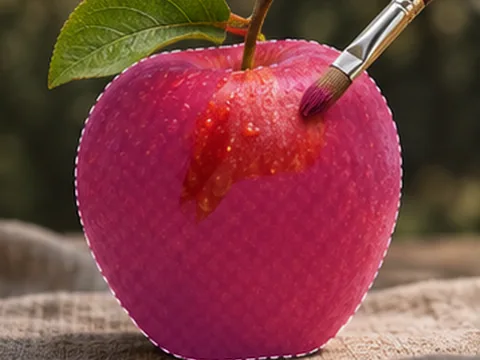
- Local Mask Editor
Paint or select a region and apply a color adjustment only inside it.
Browser processingIllustrative preview
- Replace Image Text
Select existing lettering, cover it with a matching solid color, and add new text.
Browser processingIllustrative preview
- SVG Generator
Convert an image into a limited-color SVG made of editable paths.
Browser processingIllustrative preview
- AI Product Photography
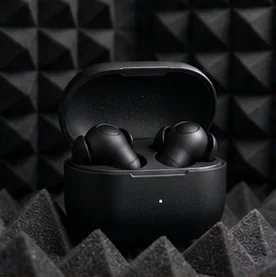
Stage a product in a studio scene while preserving the original packaging.
Cloud model · AvailableIllustrative preview
- AI Clothes Changer
Describe a new outfit for the person in your reference.
Cloud model · AvailableIllustrative preview
- Matching Group Outfits
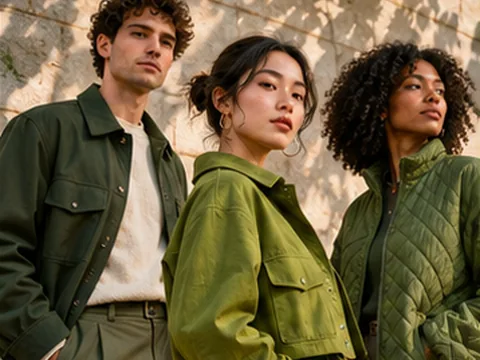
Give the people in a group photo a coordinated wardrobe.
Cloud model · AvailableIllustrative preview
- AI Room Design
Restyle a room while keeping its layout and architecture.
Cloud model · AvailableIllustrative preview
- Remove Background People
Keep the foreground subject and reconstruct the area behind it.
Cloud model · AvailableIllustrative preview
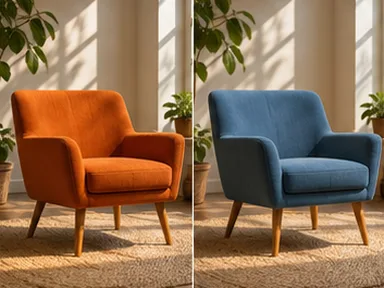
- AI Relight
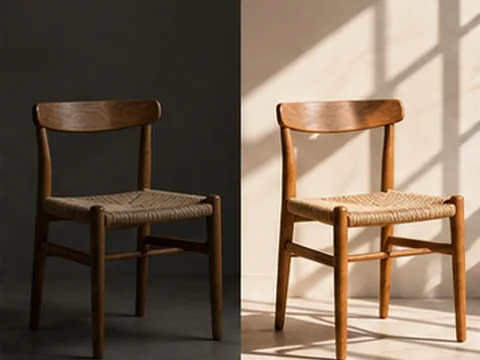
Describe new light direction and mood for a reference photo.
Cloud model · AvailableIllustrative preview
- Change Camera Angle
Use a reference photo and describe a new point of view.
Cloud model · AvailableIllustrative preview
- AI Infographics
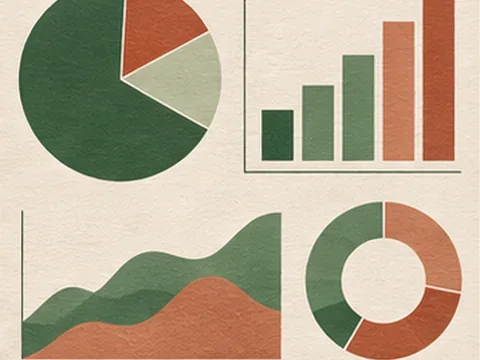
Turn a supplied outline and data into a readable infographic.
Cloud model · AvailableIllustrative preview
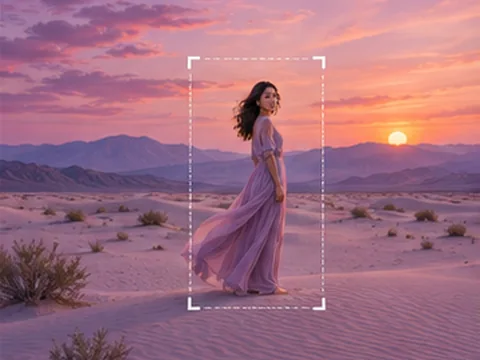
- AI Image Expand
Extend a reference scene beyond its original edges.
Cloud model · AvailableIllustrative preview
- Text to Image
Generate an image from a written prompt.
Cloud model · AvailableIllustrative preview
- Image to Image
Edit an image with a reference photo and instructions.
Cloud model · AvailableIllustrative preview
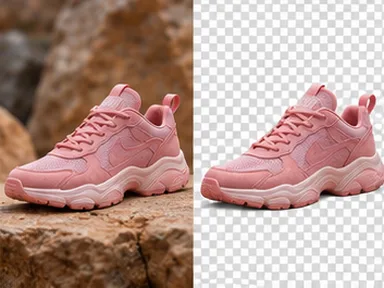
- Remove Image Background
Isolate the foreground and export a PNG with a transparent background.
Cloud model · AvailableIllustrative preview
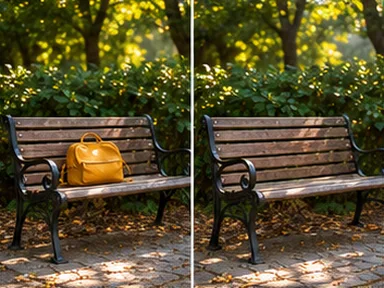
- AI Object Remover
Describe an object and where it appears so the model can remove it.
Cloud model · Sample onlyIllustrative preview
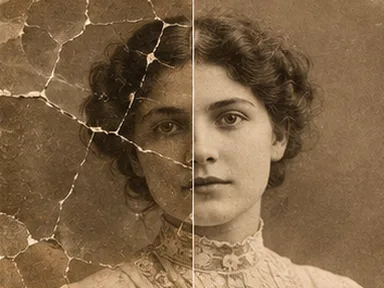
- AI Photo Restoration
Repair scratches, faded tones and noise while preserving the original subjects.
Cloud model · Sample onlyIllustrative preview
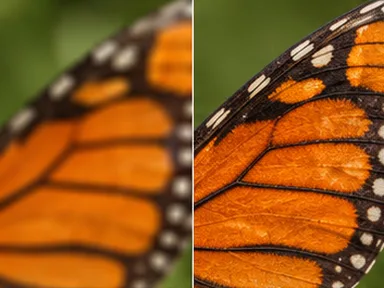
- AI Image Upscaler
Double image dimensions with AI super-resolution.
Cloud model · AvailableIllustrative preview