Creation Tools
Create and edit images and video, prepare audio, and inspect 3D files.
Photo utilities
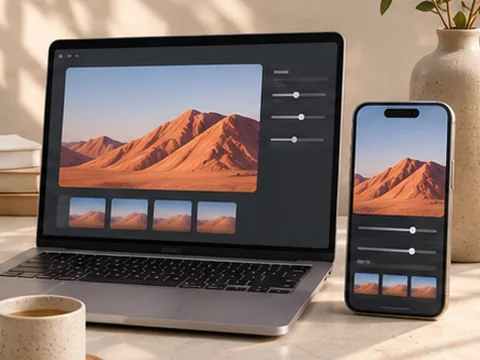
- Mobile & Desktop Editor
Adjust a photo with touch or desktop controls and export it for your format.
Browser processingIllustrative preview
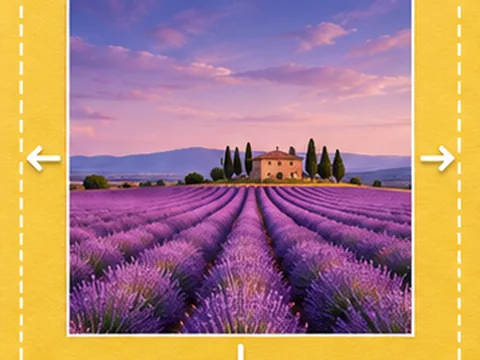
- Extend Image Canvas
Add transparent or solid space around an image for a new layout.
Browser processingIllustrative preview
- Add Text to Image
Place a caption on a photo and export the finished artwork.
Browser processingIllustrative preview
- Blur Part of an Image
Select an area of a photo and blur faces or sensitive details.
Browser processingIllustrative preview
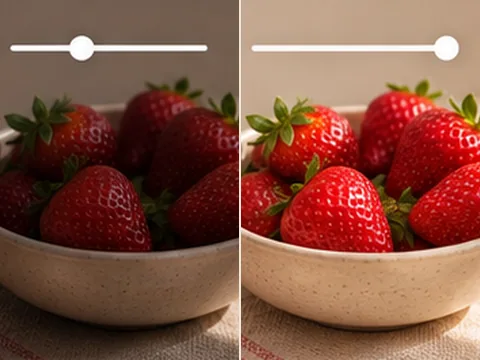
- Adjust Image Lighting
Adjust brightness and contrast before exporting a photo.
Browser processingIllustrative preview
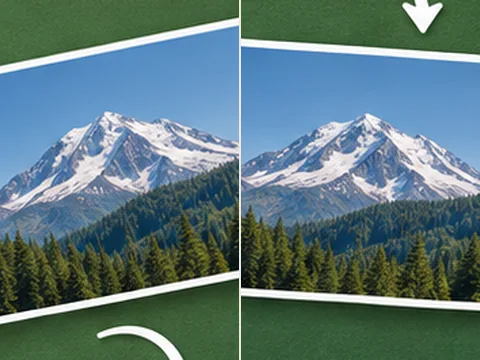
- Rotate Image
Turn a photo 90°, 180° or 270° and download it.
Browser processingIllustrative preview
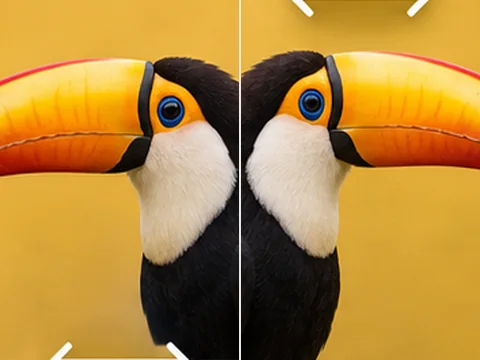
- Flip Image
Mirror a photo horizontally or vertically.
Browser processingIllustrative preview
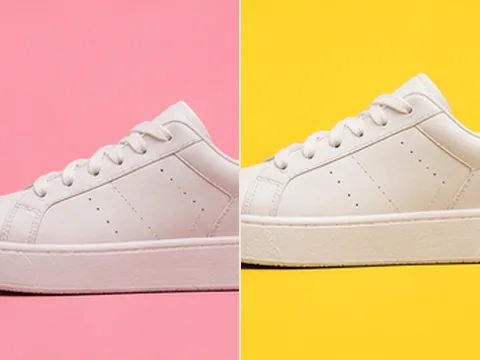
- Change Background Color
Add a solid background to a transparent image.
Browser processingIllustrative preview
- Image Resizer
Change image dimensions while keeping the original proportions.
Browser processingIllustrative preview
- Image Converter
Convert a JPG, PNG or WebP photo to a different format.
Browser processingIllustrative preview
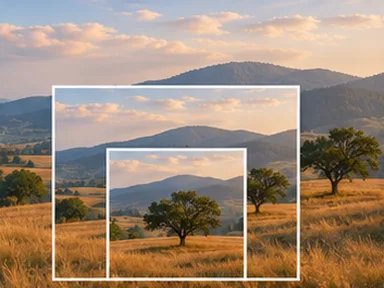
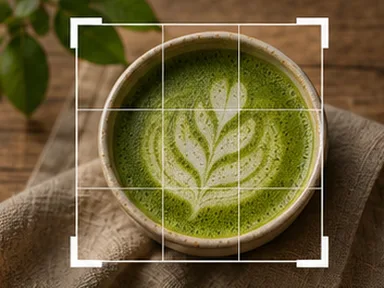
- Image Cropper
Crop an image for a square, portrait or landscape layout.
Browser processingIllustrative preview
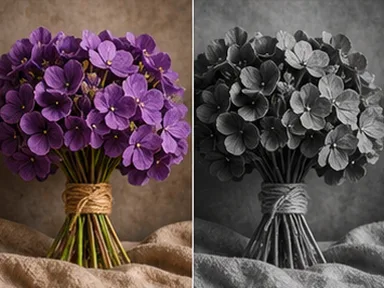
- Image Effects
Export a photo in black and white, sepia or high contrast.
Browser processingIllustrative preview
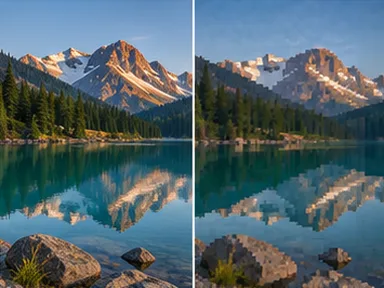
- Image Compressor
Choose the balance between image quality and download size.
Browser processingIllustrative preview