DoorDash Menu Photo Checker
Check your dish photos, preview the crop, and download a batch ready for your DoorDash US menu.
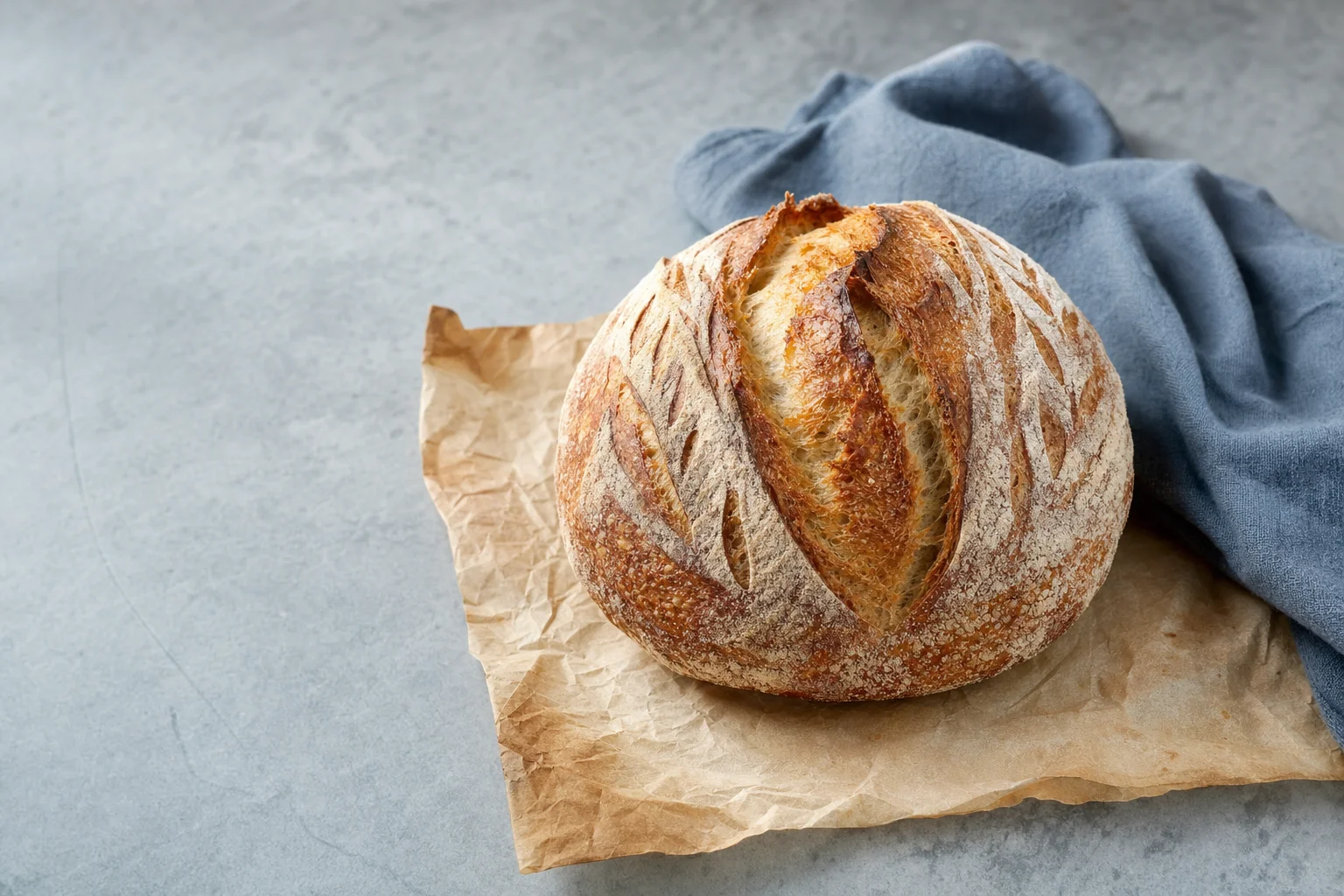
JPG, PNG or WebP · Up to 20 photos · Files stay in this browser

Check a DoorDash US item photo before uploading
- Choose a photo of the dish you serve, or use Try sample to walk through the checker.
- Review the 16:9 crop. Keep the whole dish in frame and check the dimensions and file size.
- Choose Prepare JPG and download the result. For multiple eligible photos, use Prepare batch ZIP. DoorDash reviews the photos you upload.
DoorDash US item photo requirements
- Upload crop
- 16:9 landscape
- Minimum dimensions
- 1400 × 800 px
- Maximum file size
- 2 MB
Use a real photo of the dish you serve. Keep the whole dish in frame and skip text, borders and watermarks. DoorDash reviews each upload. These checks cover the file specifications for individual items.
DoorDash merchant guidelinesSource checked November 23, 2026. For store headers, logos or collections, use the instructions for that placement.
Convert iPhone HEIC photos to JPGPlanning a whole menu update?
Start with three dish photos you have permission to use. Check the original and the crop together, then request a quote for the rest of the menu.
- List the total number of dishes and the places you need to publish them.
- Note the ingredients, portions, plates and packaging that must be preserved.
- Include the delivery date and any prior rejection reason. Share photos only after confirming the scope.