Skip to content
Reelomo
Create

Create

  • Text to Image
  • Image to Image
  • SVG Generator
  • Product Photography

Edit

  • Remove Background
  • Erase Objects
  • Image Upscaler
  • Local Mask Editor
  • Layer Separation
  • All image tools

Styles & Effects

  • Image Styles
  • Image Effects
  • Style Reference
  • Photo Restoration

Create

  • Image to Video
  • Text to Video
  • Product Video
  • Product URL to Video
  • Video Templates
  • Video Effects
  • Product Ads

Edit

  • Video Editor
  • Video Upscaler
  • Video Extender
  • Lip Sync Preview
  • All video tools

Video Models

  • Kling 3.0 Standard
  • Seedance 2.0
  • Veo 3.1 Lite
  • All video models

Image Tools

  • Remove Background
  • Erase Objects
  • HEIC to JPG
  • All image tools

Video Tools

  • Video Editor
  • Video Upscaler
  • Video to GIF
  • All video tools

Product Video

  • Product Video
  • Product URL to Video
  • Product Photography
  • Video Templates

More tools

  • Photo Utilities
  • Audio Format Converter
  • Audio Tools
  • 3D Tools
  • Workflow Tools
  • All tools

Image Models

  • GPT Image 2
  • Nano Banana 2.1
  • Seedream 5.0 Flash
  • Seedream 5.5
  • Nano Banana 2
  • All image models
  • Compare image models

Video Models

  • Kling 3.0 Standard
  • Seedance 2.0
  • Veo 3.1 Lite
  • MiniMax H3
  • Wan 3.0
  • Seedance 2.0 Fast
  • Kling 4.0 Flash
  • All video models
  • Compare video models
Pricing
Help
Reelomo
Sign in
Create
  • Text to Image
  • Image to Image
  • All image tools
  • Image to Video
  • Text to Video
  • Product Video
  • Product URL to Video
  • All video tools
  • All image tools
  • HEIC to JPG
  • Video to GIF
  • Audio Format Converter
  • All video tools
  • All tools
  • All image models
  • All video models
  • All models
  • Compare models
Pricing
Sign in Help

AI Image Generator

Turn a written prompt into an image. Try it free, then download the result.
0/800

One image per generation

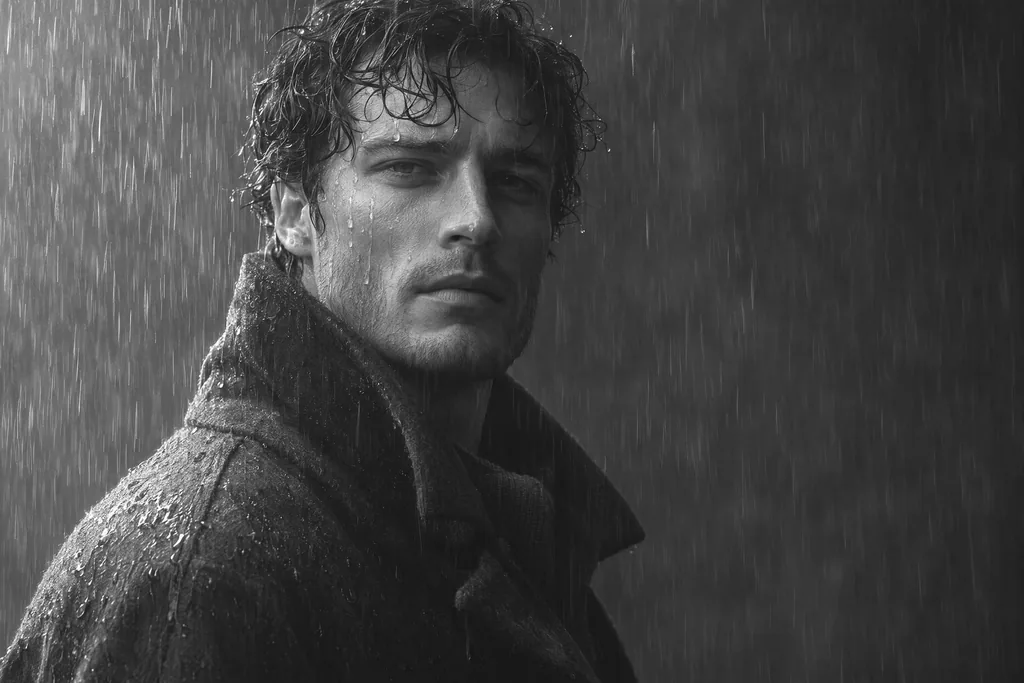
Sample preview
16:9
Illustrative sample from the Reelomo library.

Frequently asked questions

Do I need to upload an image?

Start with a written prompt. To change an existing photo, open Image to Image and add it as a reference.

What should I include in the prompt?

Describe the subject, setting, composition, and lighting. For a product listing, name the material and say where you want empty space for copy.

How do I choose an image size?

Pick the aspect ratio for your destination. The workbench lists the resolutions and credit cost for the selected model.

How many images can I generate for free?

The workbench shows the free credit balance and the cost per generation before you submit.

How do I edit the result afterwards?

Open Image to Image and add the generated picture as your reference, then describe the change you want.

Why can’t I select a model?

The model directory includes both models you can use and models listed for reference. The workbench shows which models are available for your workflow and their supported settings.

Where can I find and download my results?

Open My Videos with the account you used to generate the result. Open a completed task to preview, download, or reuse its settings. Browser tools offer the download in the tool itself.

Next steps

  • Change an existing image with a prompt
  • Convert an image format
  • See image ideas
Reelomo

AI Video

  • Image to Video
  • Text to Video
  • Video Editor
  • All video tools

AI Image

  • Text to Image
  • Image to Image
  • Remove Background
  • All image tools

Product Video

  • Product Video
  • Product URL to Video
  • Product Photography
  • Video Templates

Explore Tools

  • All tools
  • Audio Tools
  • 3D Tools
  • Inspiration
  • All models

Help

  • Help
  • Support
  • Privacy
  • Terms
  • Refund Policy